VoCat
Firmware that turns your EchoEar into a small, cat-shaped companion with a round animated face. Kids talk to it, play with it, and it reacts to touch and movement. Parents stay in control of the setup.
- OpenAI Realtime
- Google Gemini Live
- Home Assistant
- ESP32‑S3
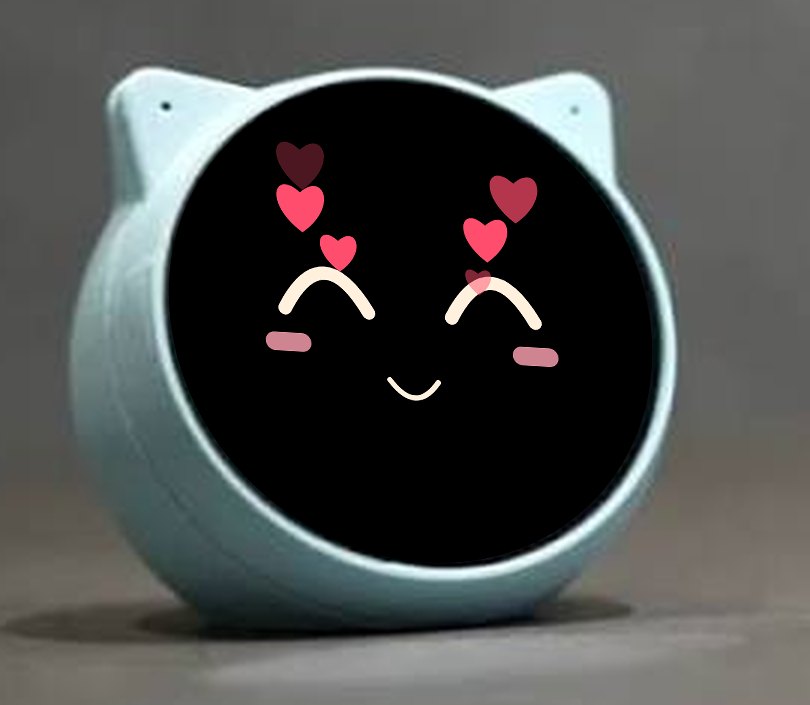
You get a binary. You flash it to your EchoEar.
VoCat is software, not a device. What we sell is the firmware: a .bin file that you flash onto an EchoEar you already own. The EchoEar itself is not included.
- Get the binaryThe VoCat firmware, as a .bin file.
- Flash it to your EchoEarReplaces the stock firmware with VoCat.
- Set it up in your browserWi‑Fi, AI agent and Home Assistant, protected by a PIN.
After the first flash, updates are wireless from the same web page.
A voice AI companion
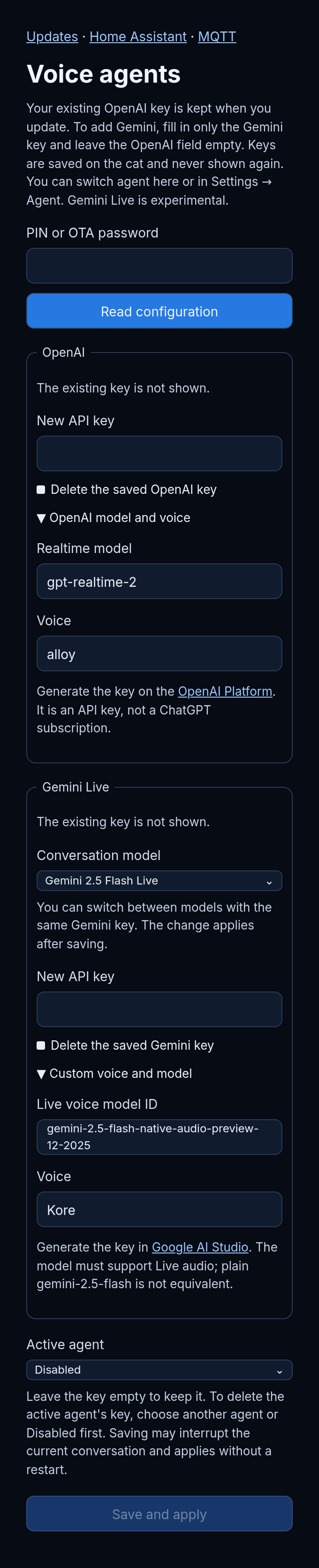
Kids just talk to it: ask questions, hear stories, chat, learn. Conversations run in real time, powered by OpenAI (Realtime API) or Google Gemini (Live). The family picks the AI they prefer from the settings, and can switch at any time.
- Bring your own OpenAI or Gemini API key; keys are stored on the cat and never shown again.
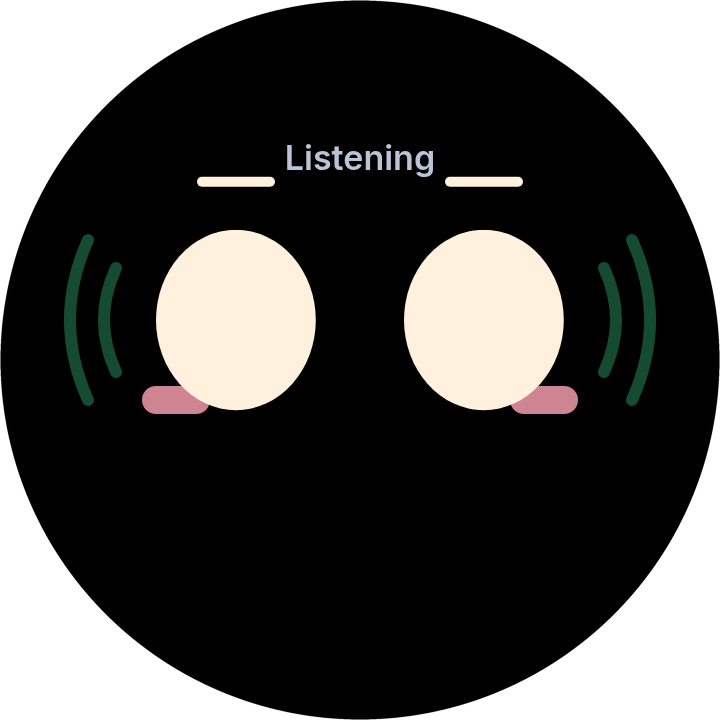
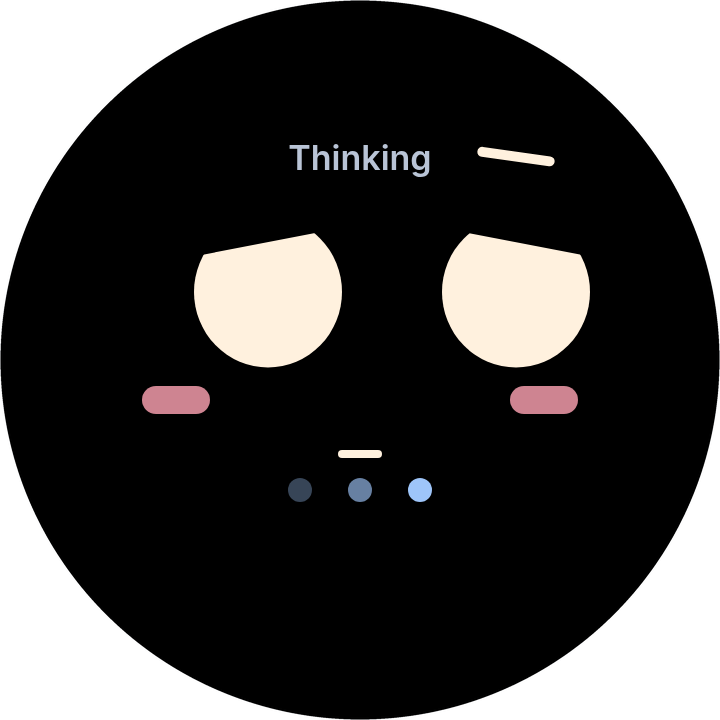
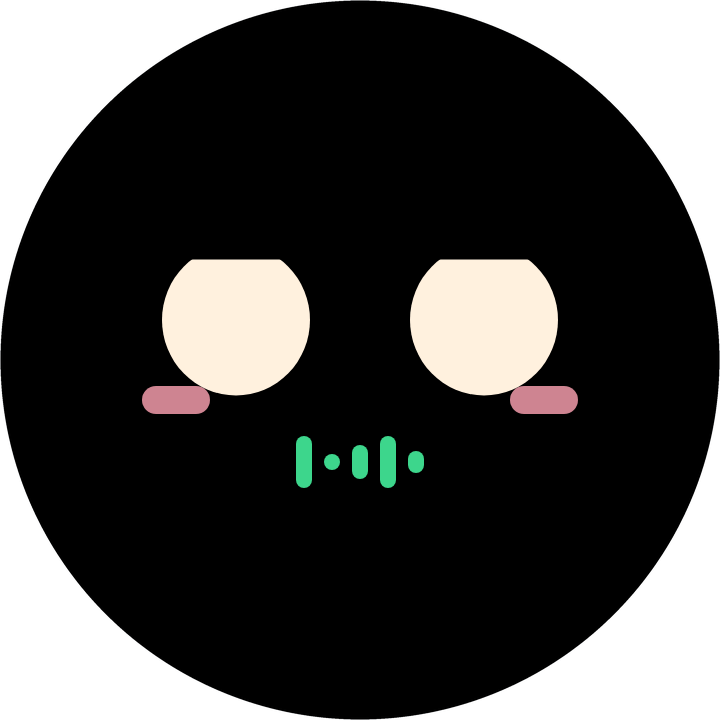
- The face follows the conversation: listening, thinking, speaking.
- Gemini Live support is currently marked experimental.
Smart home control with Home Assistant
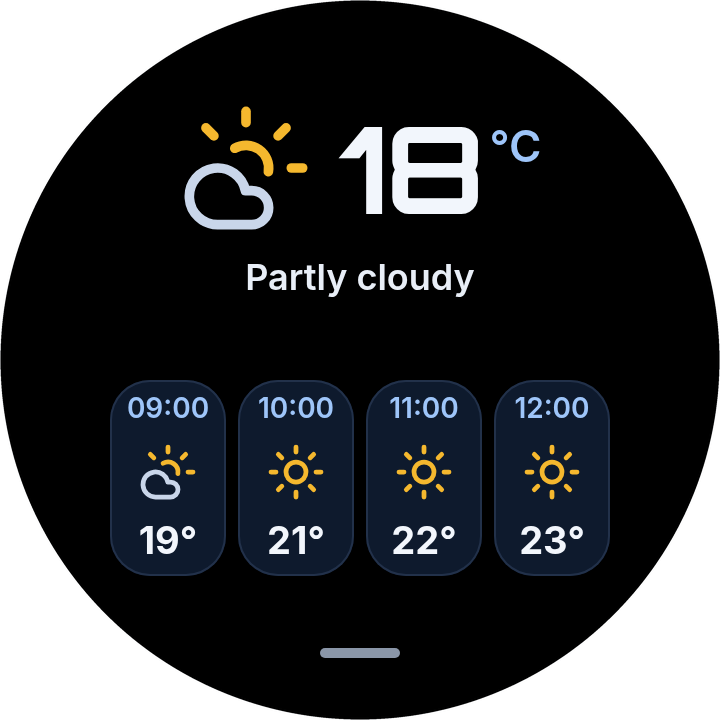
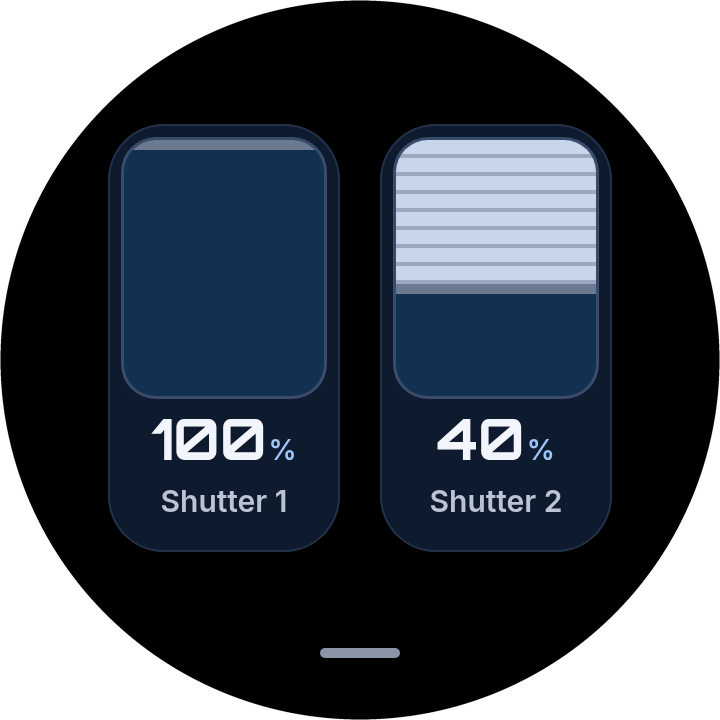
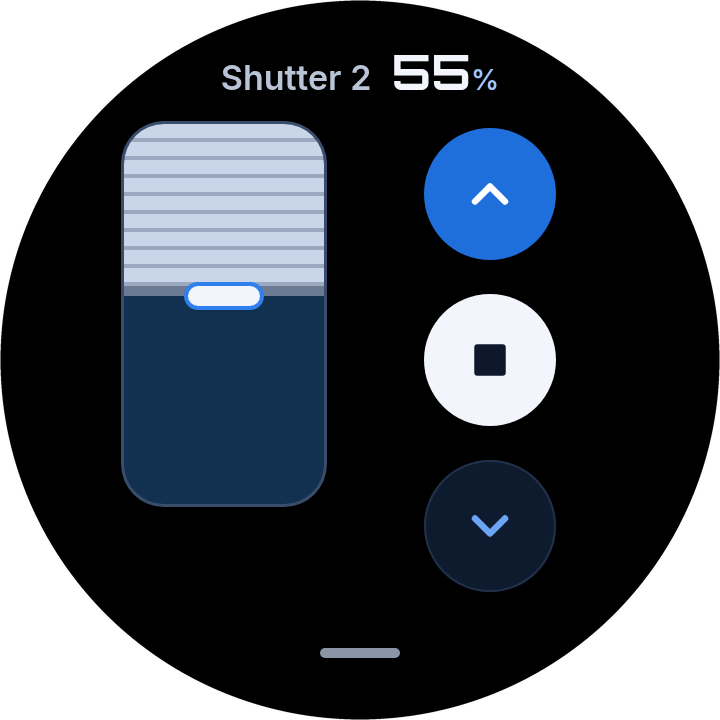
Say “open the shutters” or “turn on the lights” and VoCat does it. It also shows the weather from a Home Assistant sensor, with the next hours at a glance.
- Controls lights, rollers, blinds and shades by voice.
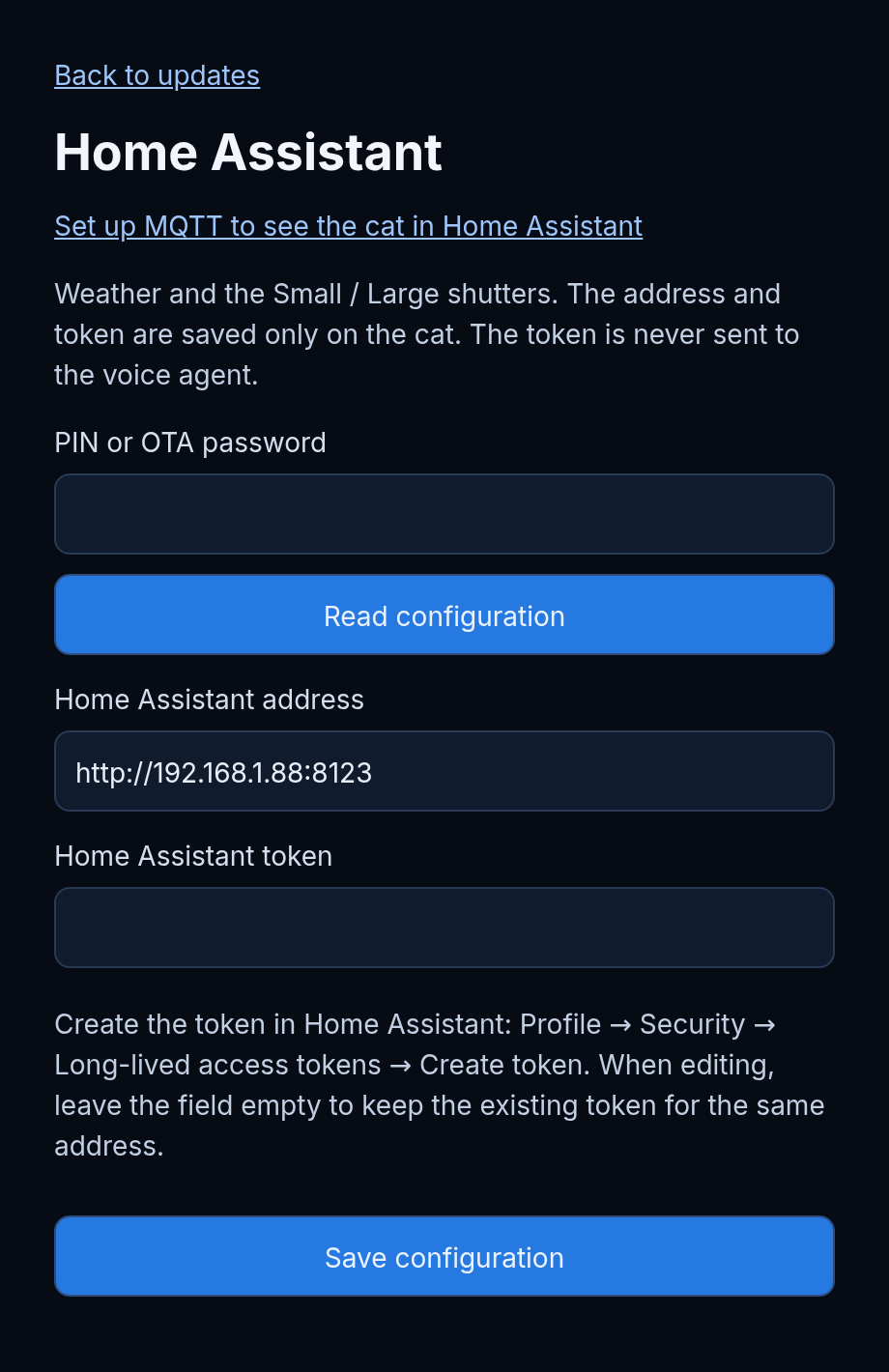
- Weather and the two shutters are Home Assistant entities you can change from the web page, with sensible defaults.
- Optional MQTT announces the device to Home Assistant automatically.
- Your Home Assistant token is saved only on the cat and is never sent to the voice agent.
Made for kids, full of personality
Pet it and it enjoys it. Shake it and it gets dizzy. Pick it up or turn it upside down and the face reacts and flips to match. It has a head touch sensor and a motion sensor, so play feels natural.
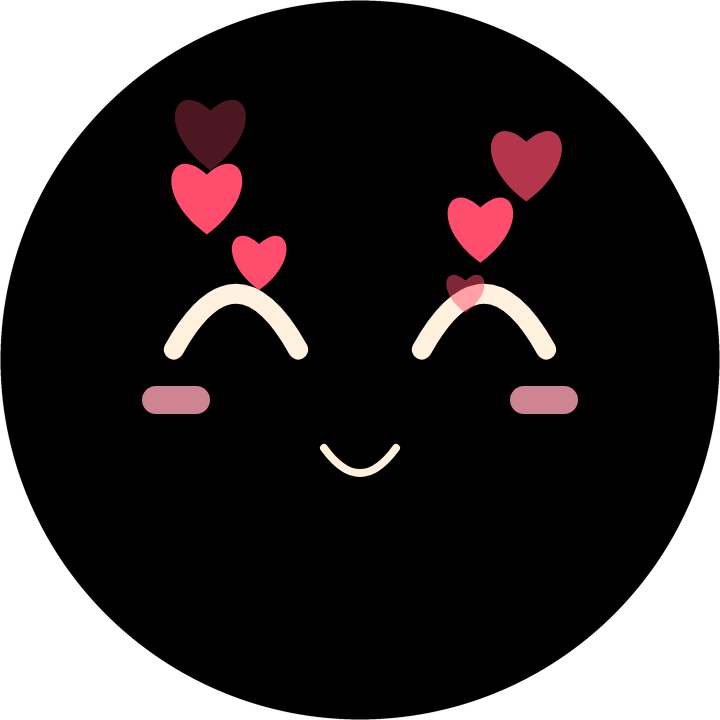
- Caress the device and floating hearts appear.
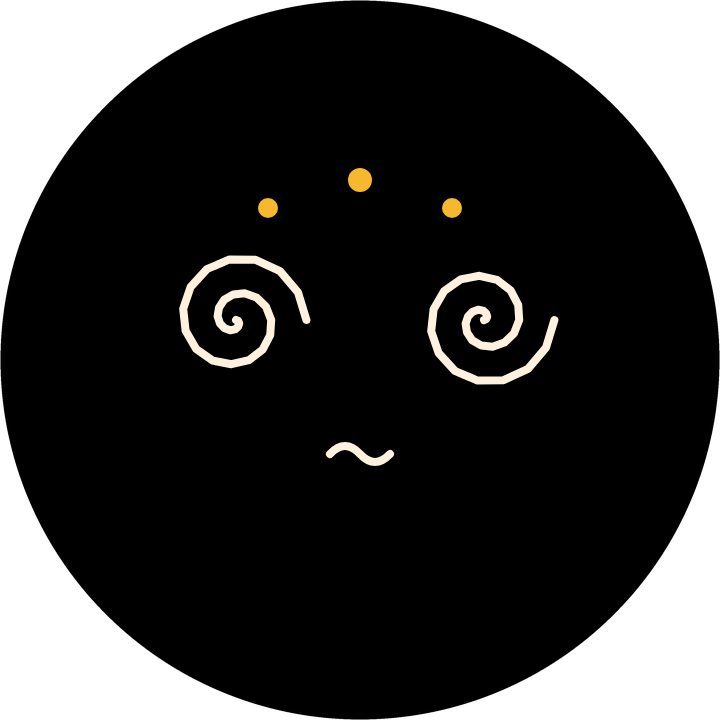
- Shake it and the eyes swirl.
- Lift or flip it and the face turns the right way up.
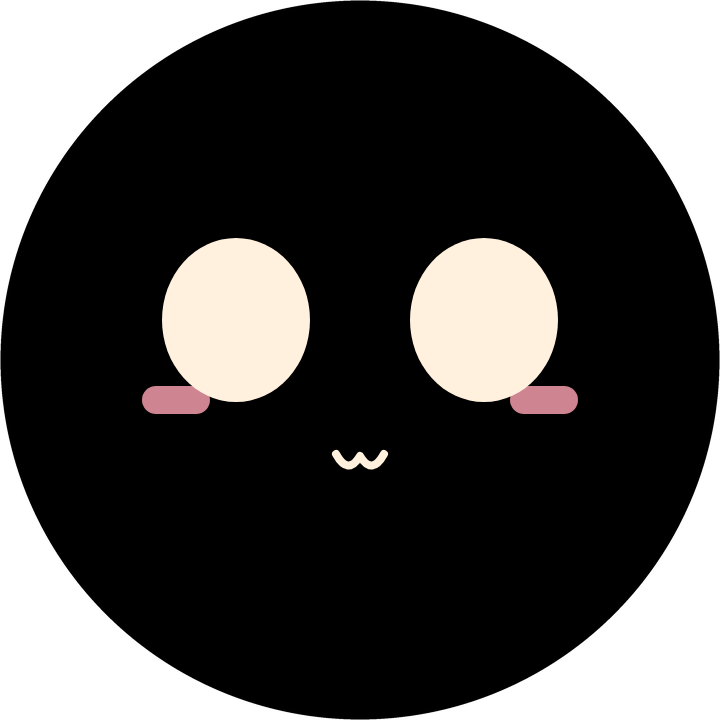
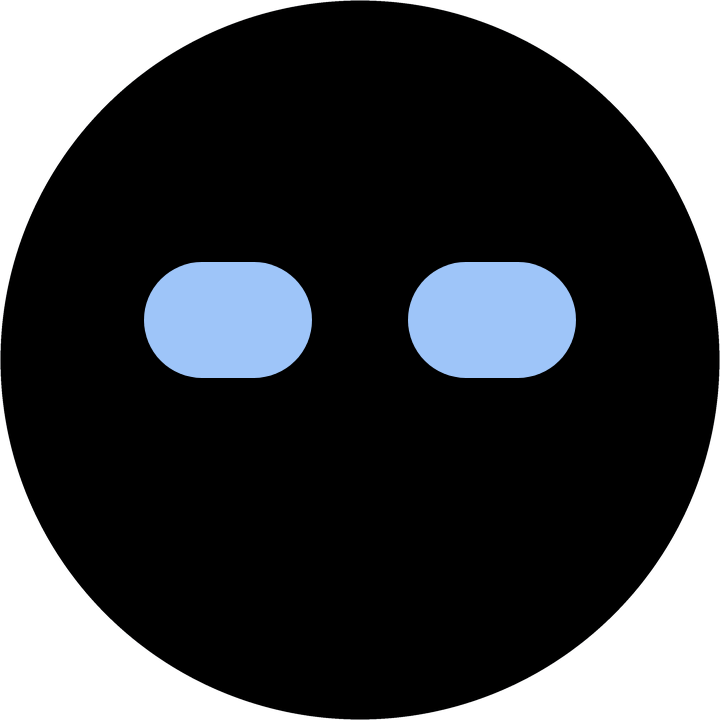
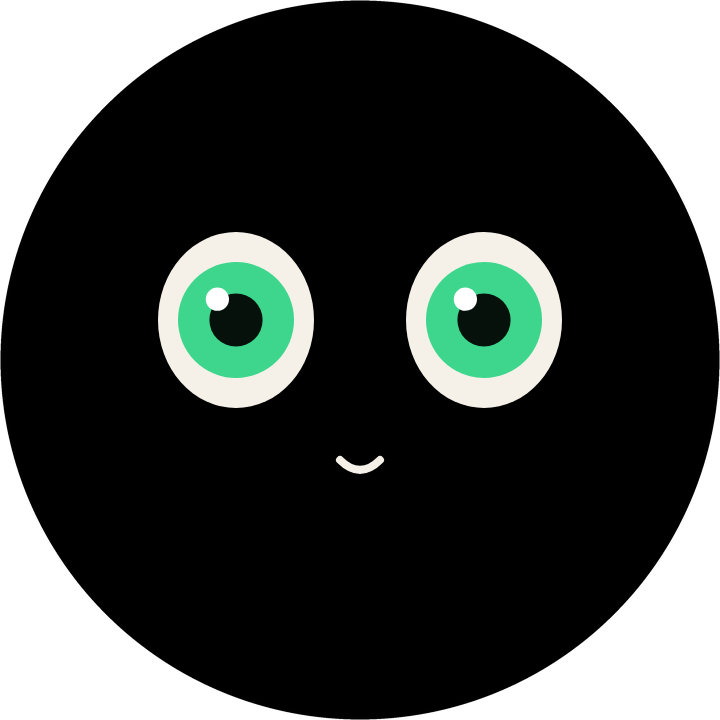
- Choose between 3 animated faces.
An everyday helper
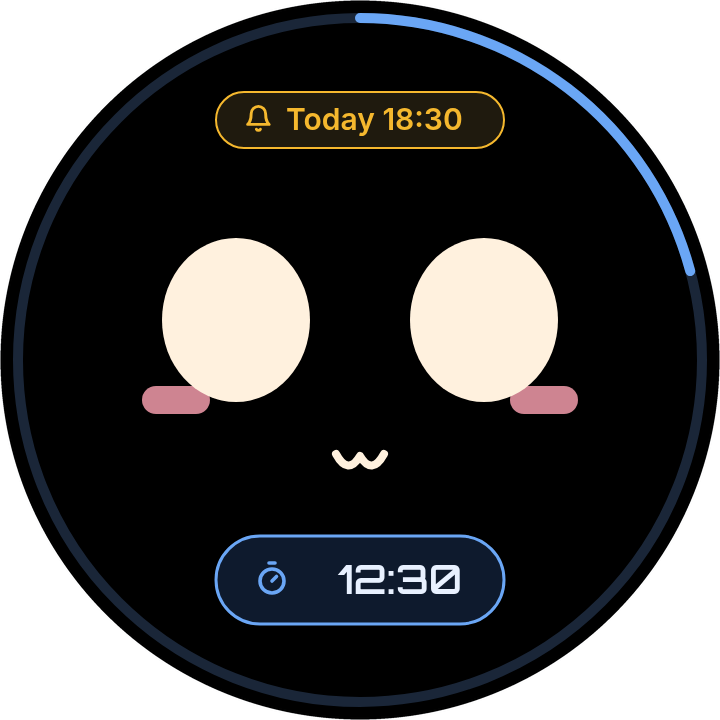
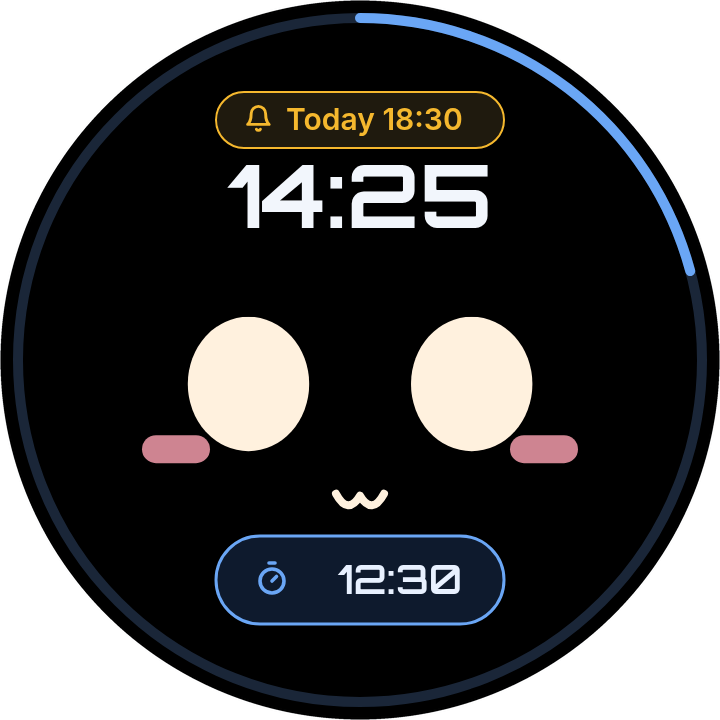
Timers, a clock and wake-up alarms, all by voice or a tap on the screen.
- Timers: ask by voice and it counts down, then alerts with sound and animation. Good for cooking, homework, tooth brushing and playtime.
- Clock: shows the time on screen whenever you want it.
- Alarm: set a wake-up alarm; it shows next to the face.
Easy setup and control for parents
VoCat has a built-in web page you open from any browser on your home network. No app, no account.
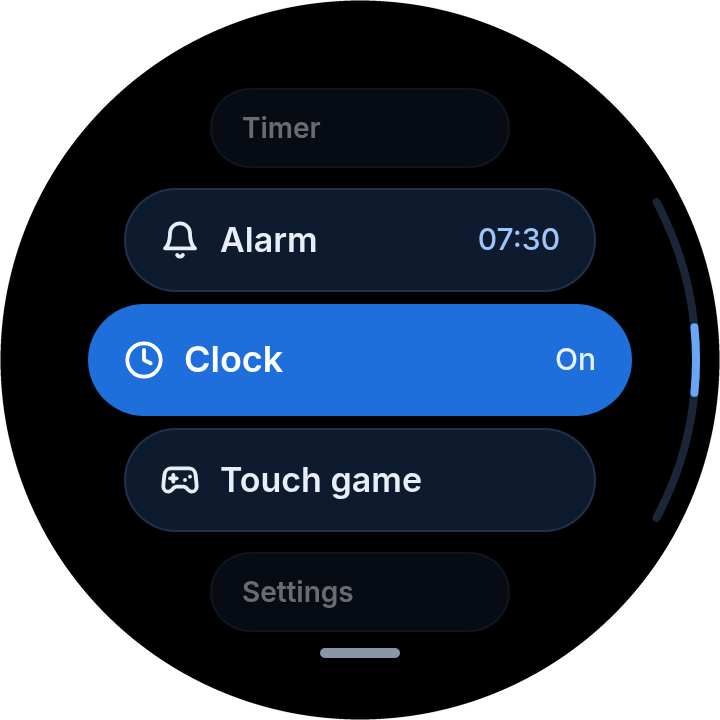
- Wi‑Fi, AI agent, Home Assistant connection, entities and MQTT are all set up from the browser.
- Protected by a PIN, so kids cannot change settings.
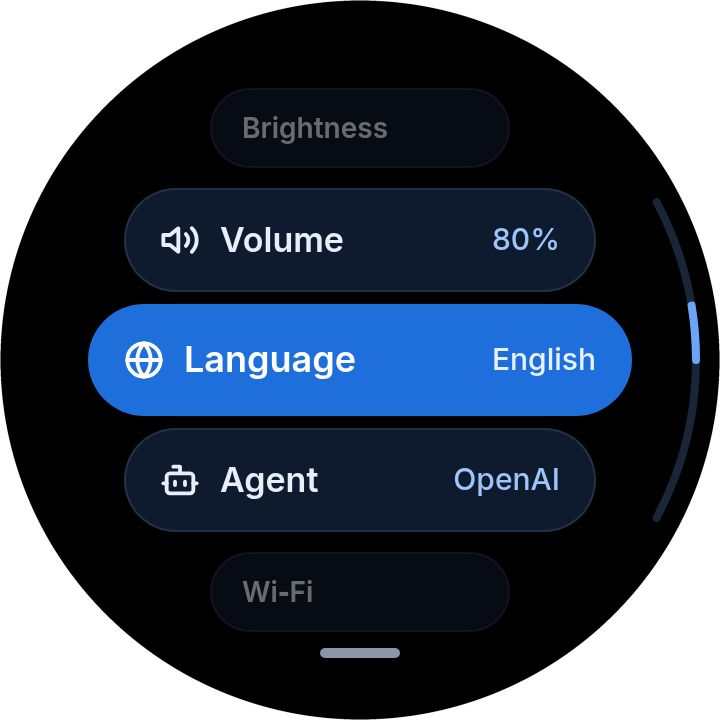
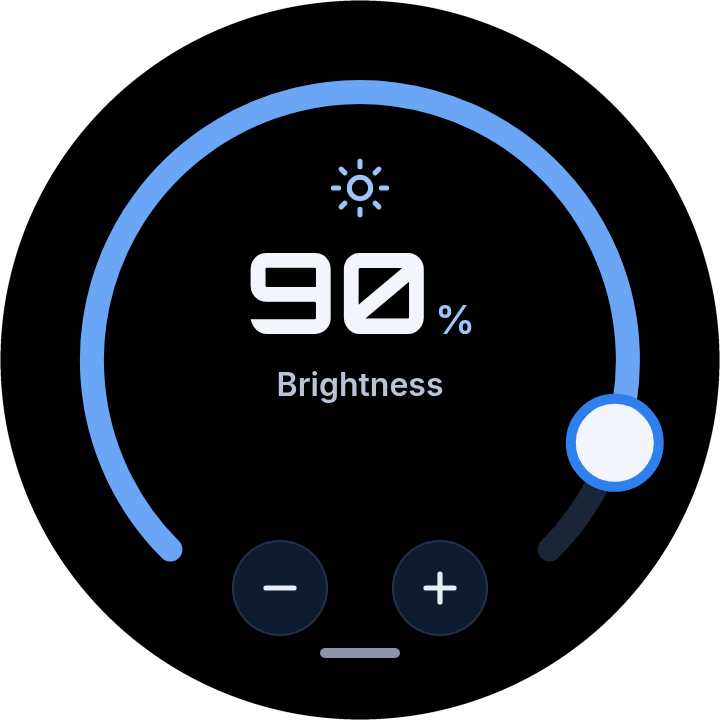
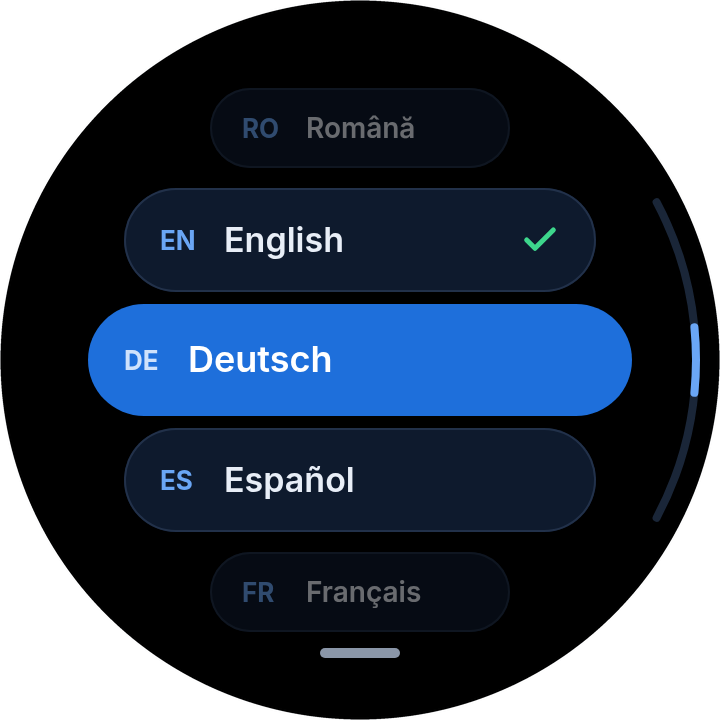
- On the device, brightness, volume, language and agent are a swipe away; the factory reset needs a 3-second press and hold.
- Eight languages: English, Romanian, German, Spanish, French, Italian, Dutch and Portuguese.
Always up to date
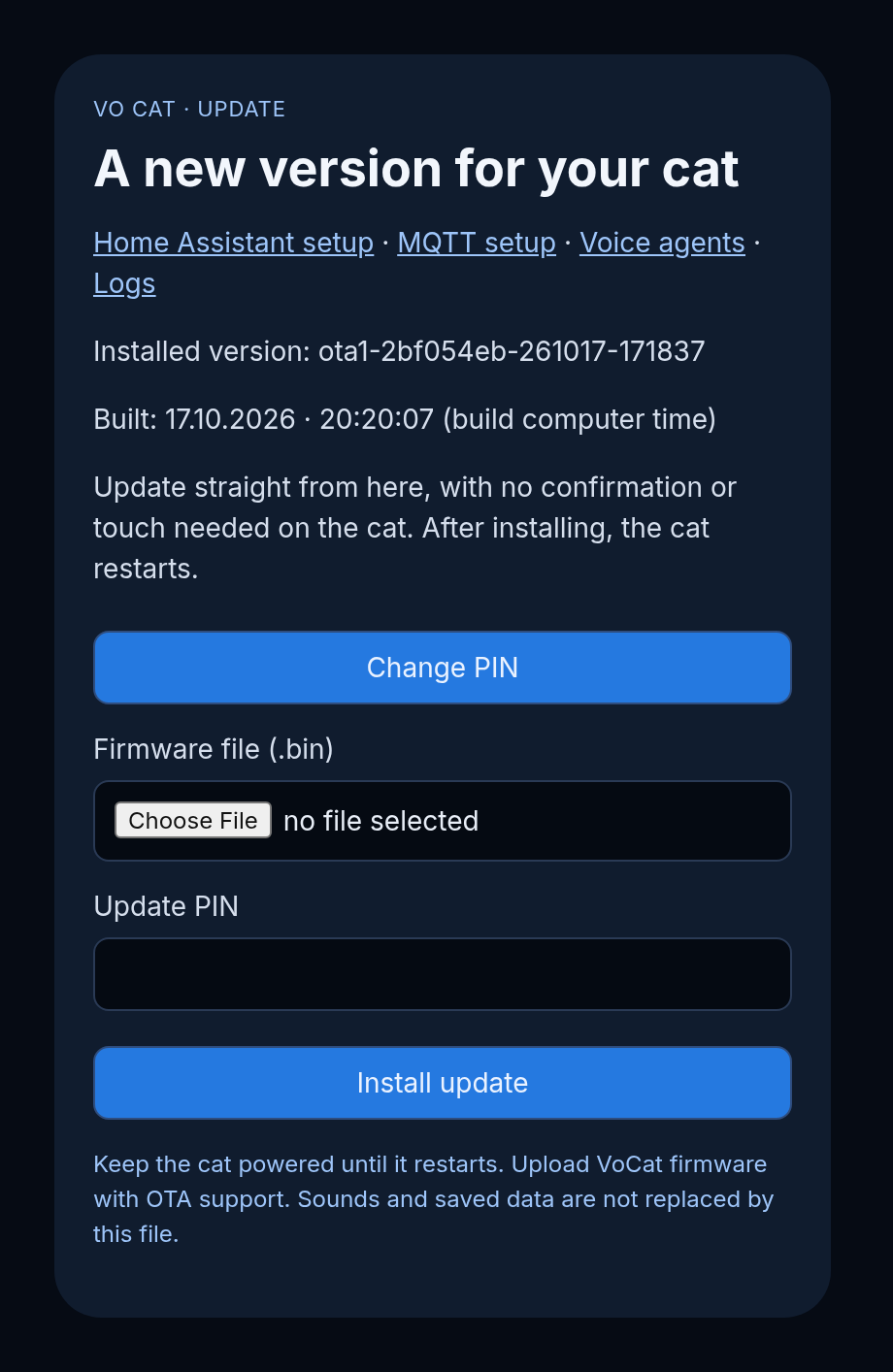
Firmware updates are wireless (OTA) from the same web page: no cables, no tools. Pick the file, enter the PIN and install. The cat restarts on its own, and your saved sounds and data stay put.
- Shows the installed version and build time.
- Update and PIN protected, with no need to touch the cat.
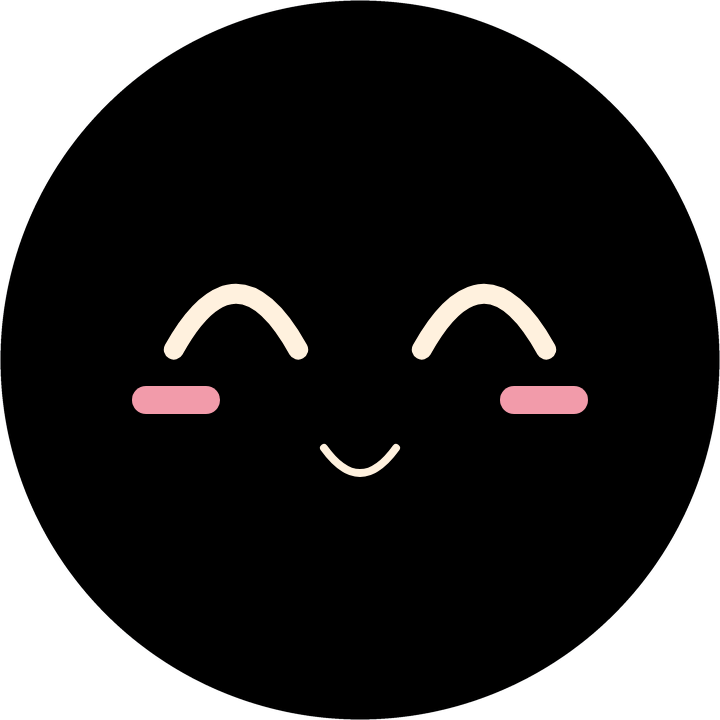
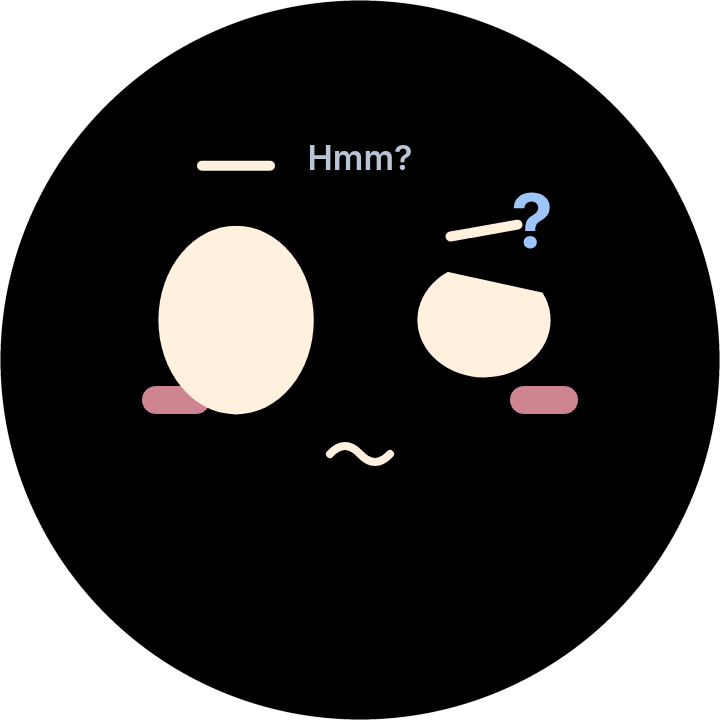
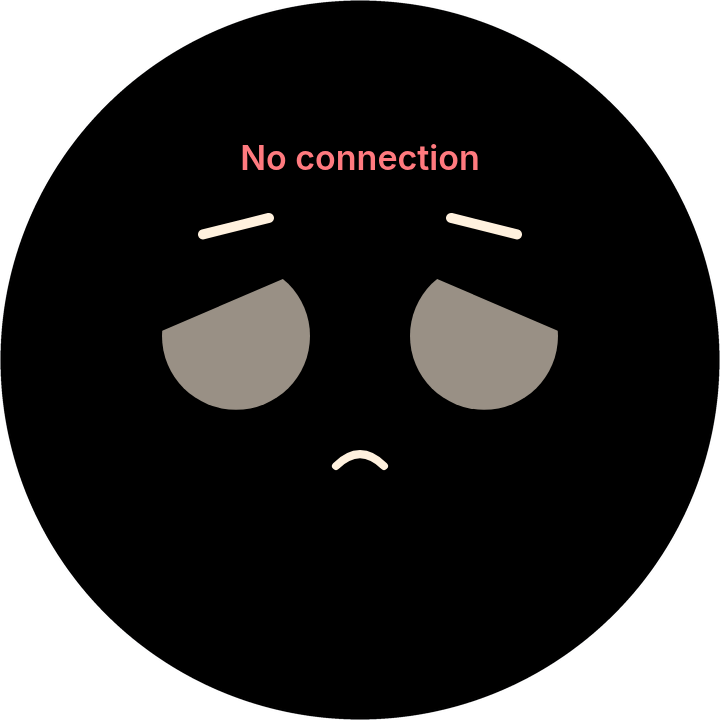
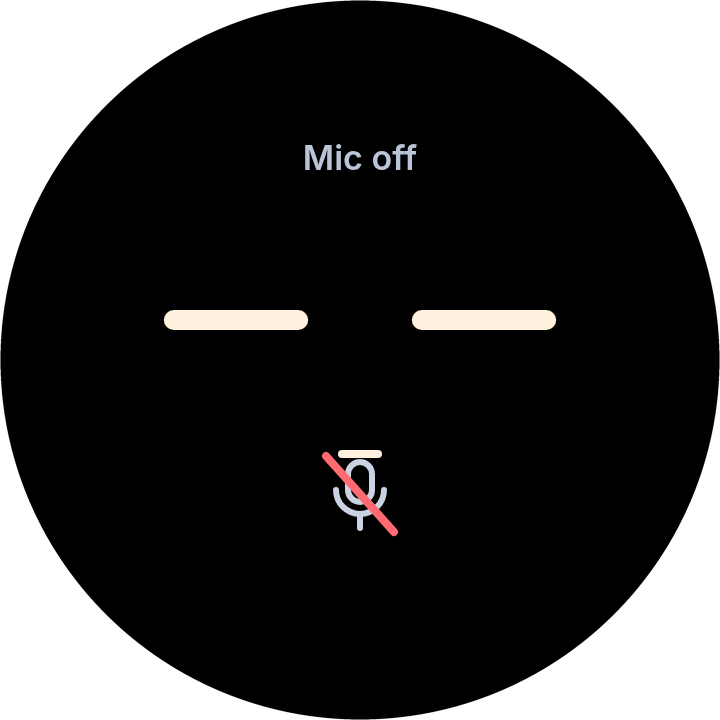
Every mood has a face
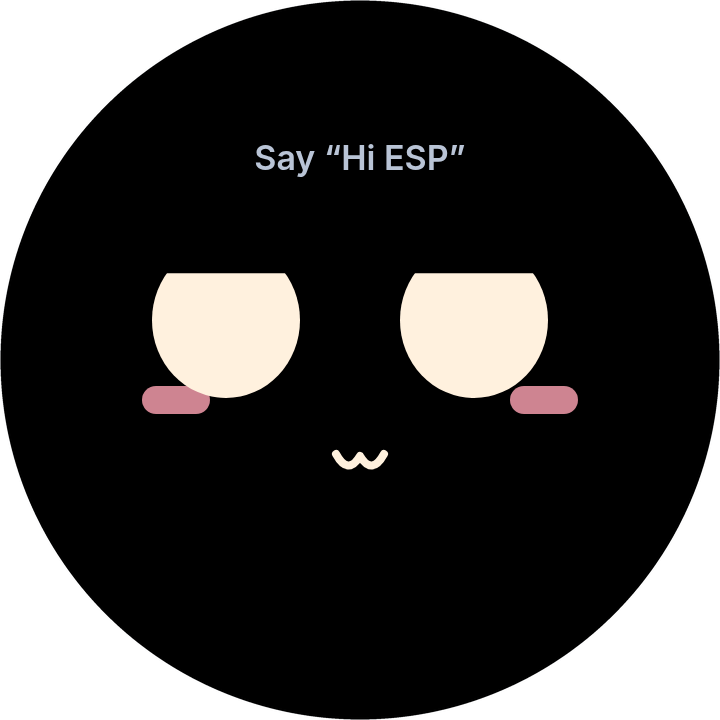
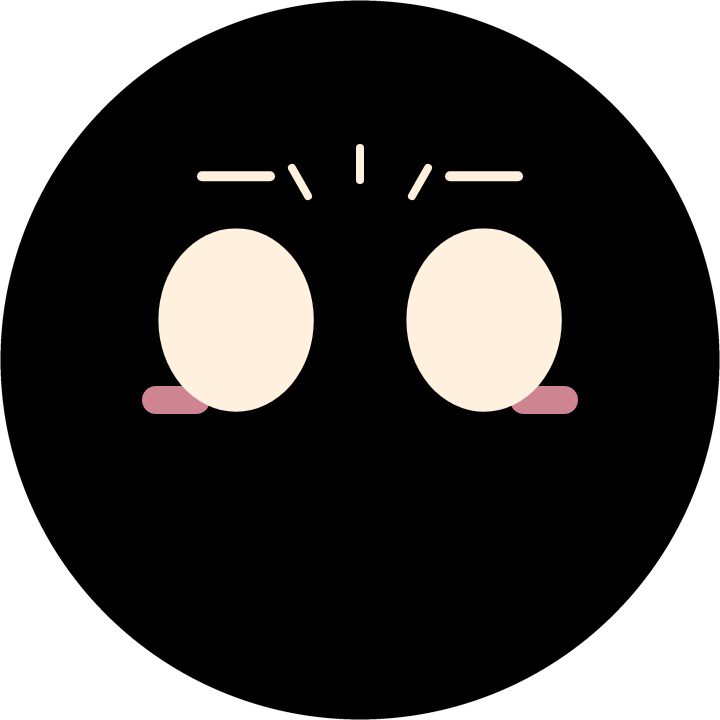
The screen is a 360 × 360 round touch display. These are the expressions of the default face.
Set it up from your browser
Open the cat's address from any computer or phone on your network. Every page asks for your PIN.
What you get, and what you need
- You get
- The VoCat firmware: a binary (.bin) to flash to your EchoEar
- Not included
- The EchoEar device, and your own OpenAI or Gemini API key
- You need
- An EchoEar (ESP32‑S3, 16 MB flash, 16 MB PSRAM) and Wi‑Fi
- Screen
- The EchoEar's round 360 × 360 touch display
- Senses
- Uses the EchoEar's head touch sensor, motion sensor and microphone
- Voice AI
- OpenAI Realtime or Google Gemini Live, with your own API key
- Smart home
- Home Assistant, optional MQTT discovery
- Wake word
- “Hi ESP”
- Setup
- Built-in web page, PIN protected
- Updates
- Wireless (OTA) from the same page
VoCat is sold as firmware only. AI conversations are handled by the provider you choose, using your own API key.
Interested in the VoCat firmware?
VoCat is firmware only: you bring the EchoEar. Get in touch and we'll get back to you.